MongoDB AI Builder Day São Paulo: AI agents, memory and hands-on labs
Summary: a full day at MongoDB’s AI Builder Day in São Paulo, about taking AI applications from prototype to production.
AI agents, memory for agents and vector search, with the right mix of theory and practice and detailed Jupyter labs.
I left with three skill badges, AI Agents with MongoDB, Memory for AI Applications and Voyage AI with MongoDB, and a clear next step: MongoDB in our AI environment, with Nutanix Database Service (NDB).
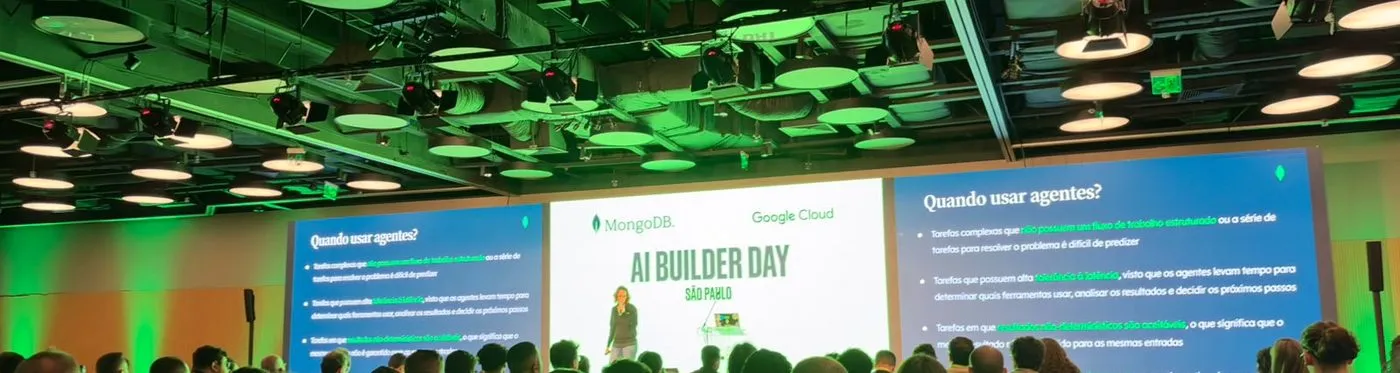
The event in one table
| Time | Session | Skill badge |
|---|---|---|
| 8:30 | Check-in and welcome coffee | |
| 9:00 | Opening: Is your data ready for AI? | |
| 9:45 | Building AI agents with MongoDB (theory + lab) | ✅ AI Agents with MongoDB |
| 13:30 | Designing memory systems for AI agents | ✅ Memory for AI Applications |
| 16:00 | AI Build Lab: embeddings and reranking with Voyage AI | ✅ Voyage AI with MongoDB (after the event) |
| 17:15 | Closing remarks and prize draws |
The event took place at Trio | SP Hall, on Av. Pres. Juscelino Kubitschek.
Organized by MongoDB, sponsored by Google Cloud.
What stood out
An agenda that ran on time
The agenda ran on schedule.
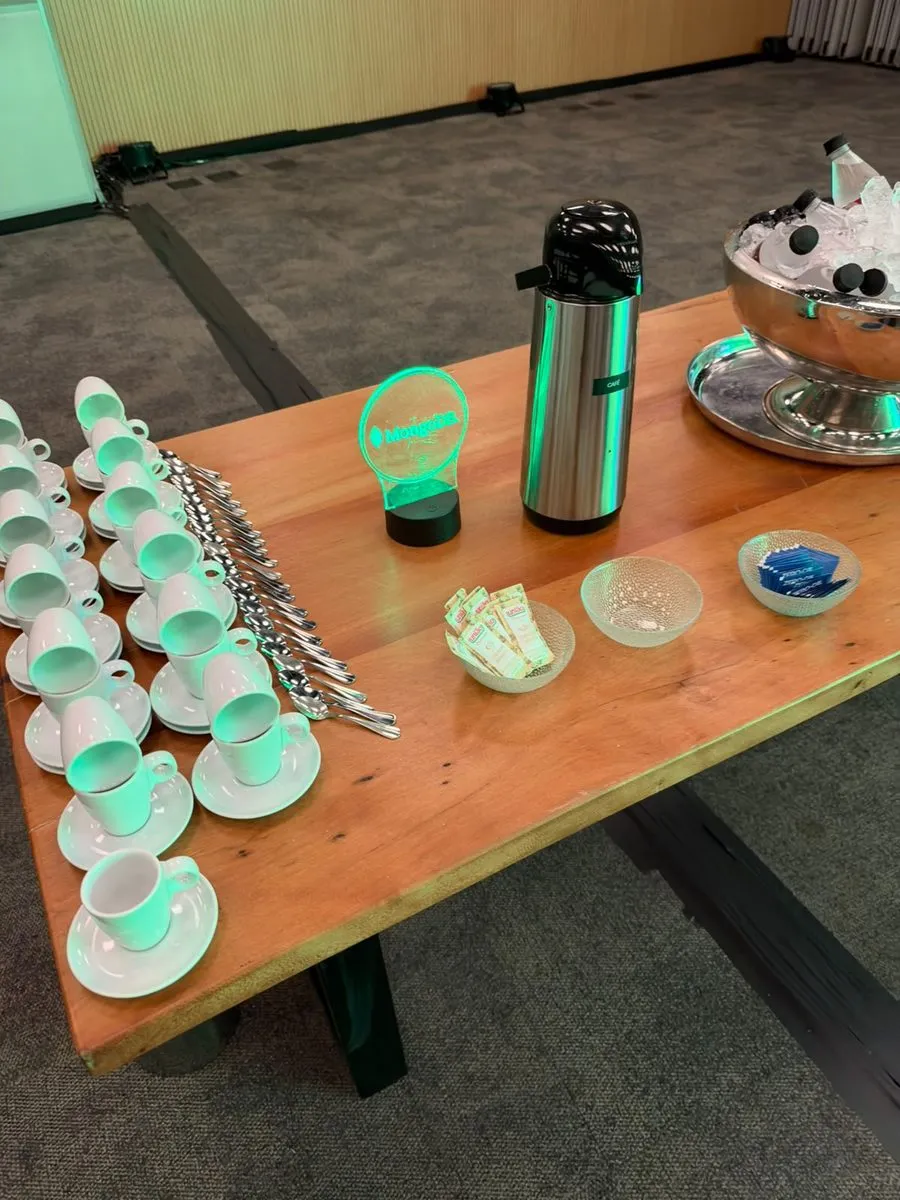
Breaks, coffee and lunch were in the right places for people who spend the day with a laptop open.
It sounds like a detail, but it is what lets theory and lab fit in the same block, without rushing.
Venue and audience
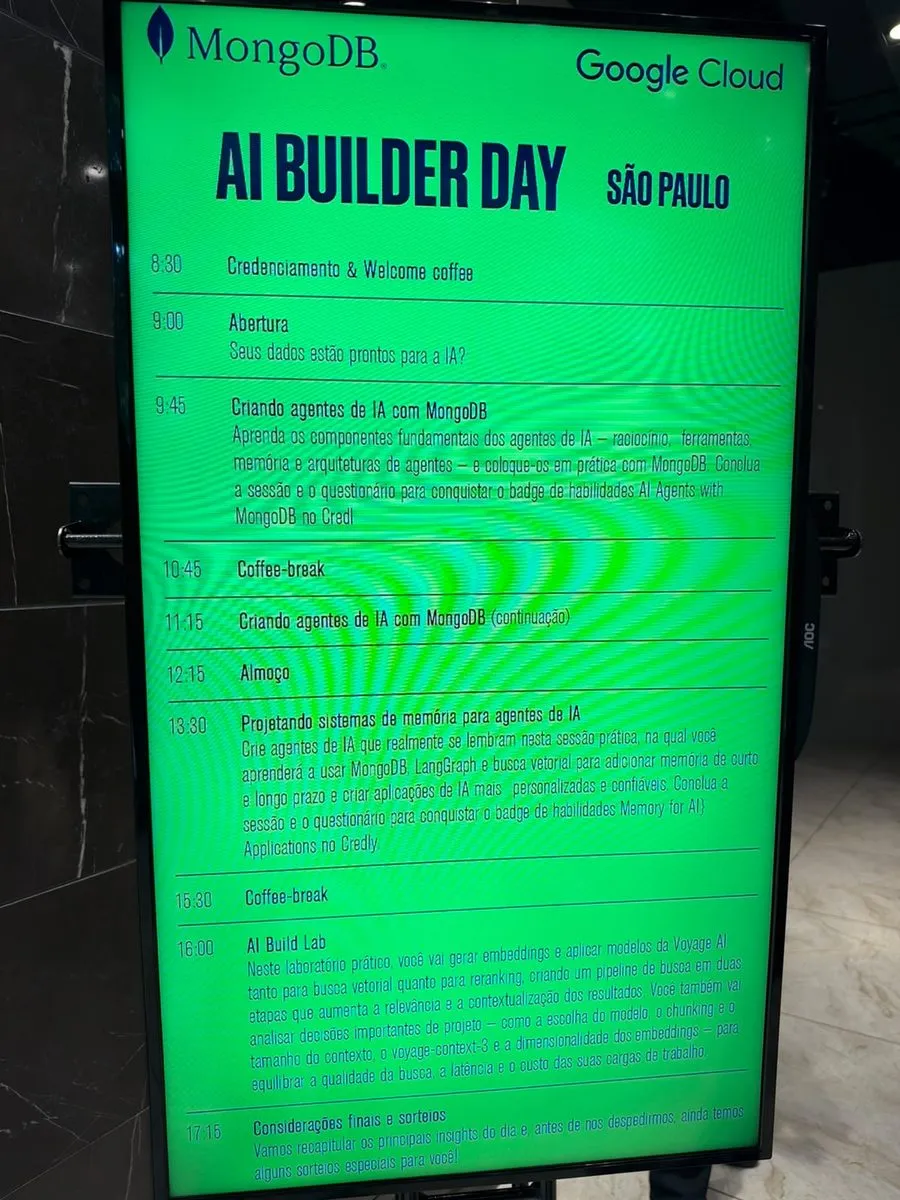
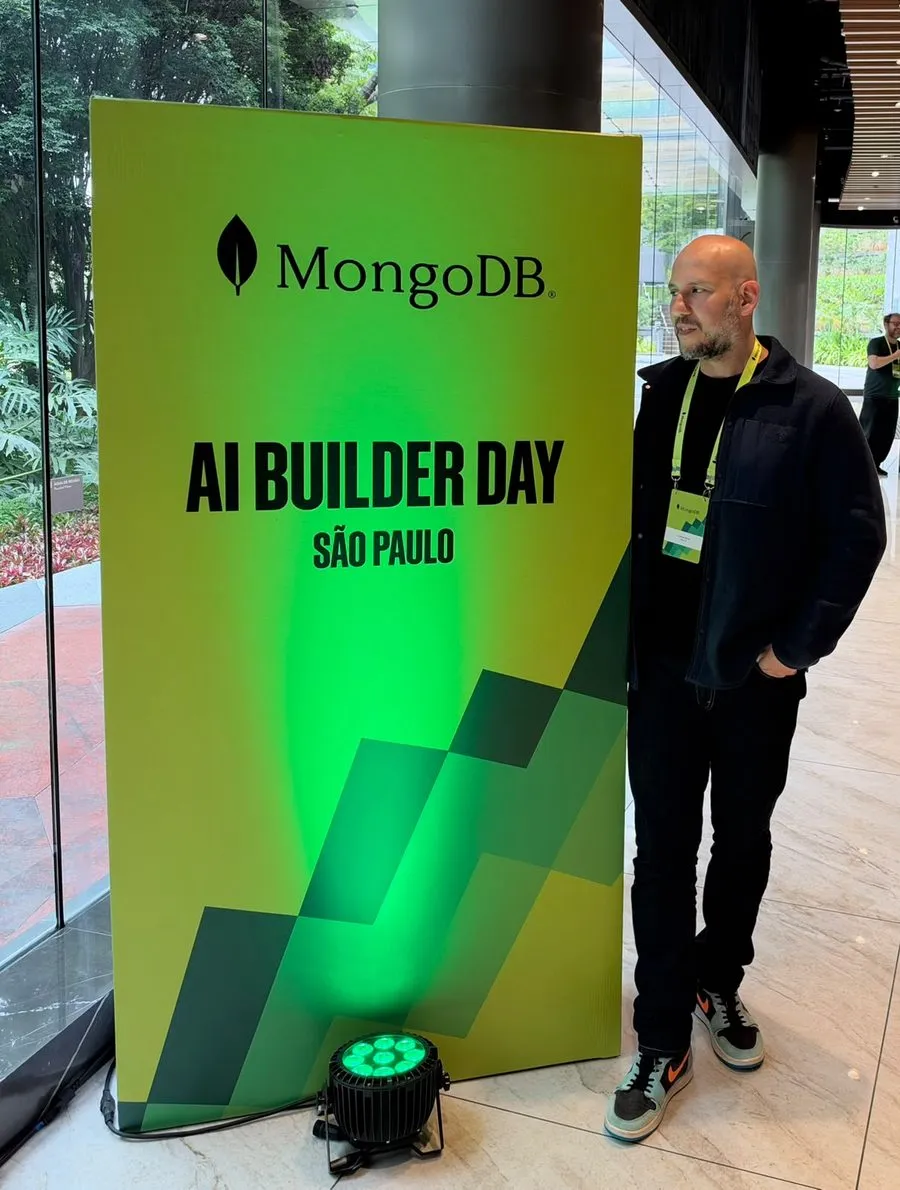
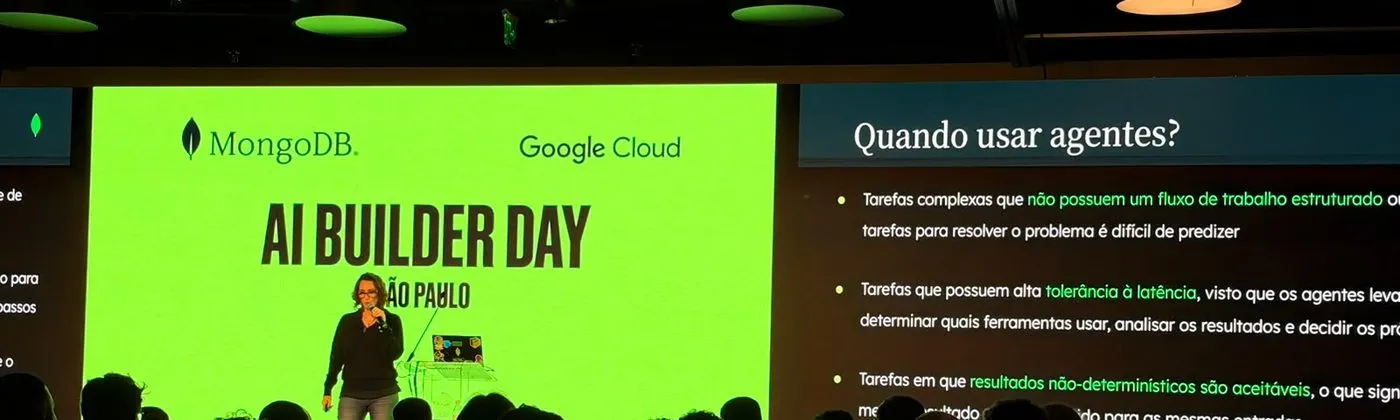
The venue was an excellent choice: a large auditorium, big screens and tables to work on the labs.
Most of the audience were developers.
Engaged and well selected: the questions came from people already building, not from people just hearing about AI.
In Portuguese, by the MongoDB Brazil team
All the content was presented in Portuguese, by the MongoDB Brazil team.
Most slides were in English and a few in Portuguese, and that worked well: the explanation came in our language, and the technical terms stayed the way the industry uses them.
Theory and hands-on in the right mix
Every session alternated concepts and practice.
In the agents session, the theory covered:
- when to use agents (and when a simple RAG is enough);
- the components: perception, planning, tools and memory;
- planning patterns: Chain of Thought, ReAct and reflection;
- architectures: single agent, supervisor and network of agents.
Right after that, it all turned into code.
In the memory session, the core idea was to treat memory as system design: what to store, when to create it, how to retrieve it, when to update it and when to discard it.
What was presented
A few of the slides that best sum up the day.
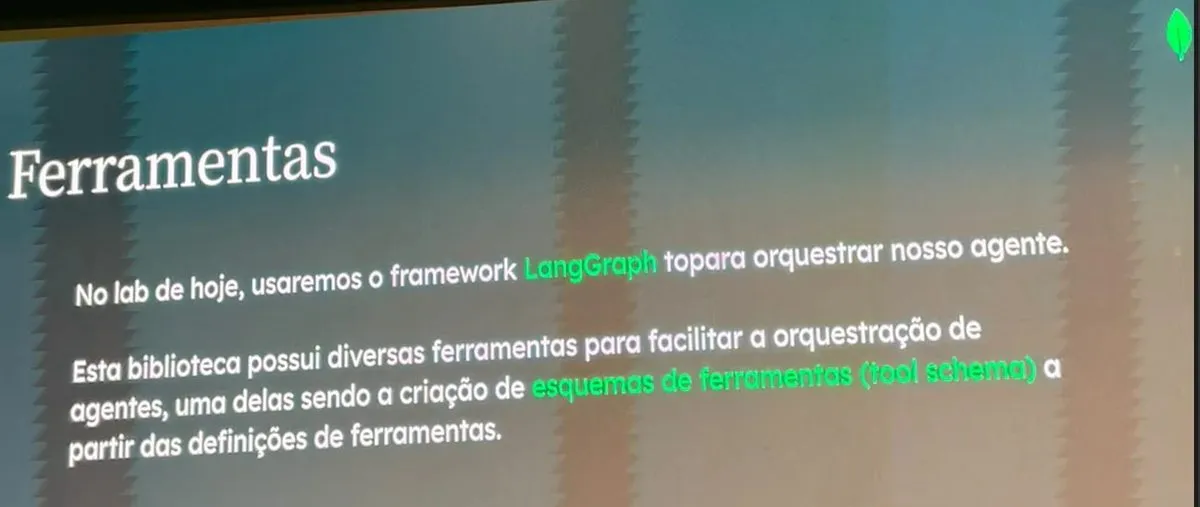
Agents with LangGraph: the framework orchestrates the agent and builds the tool schemas from the tool definitions.
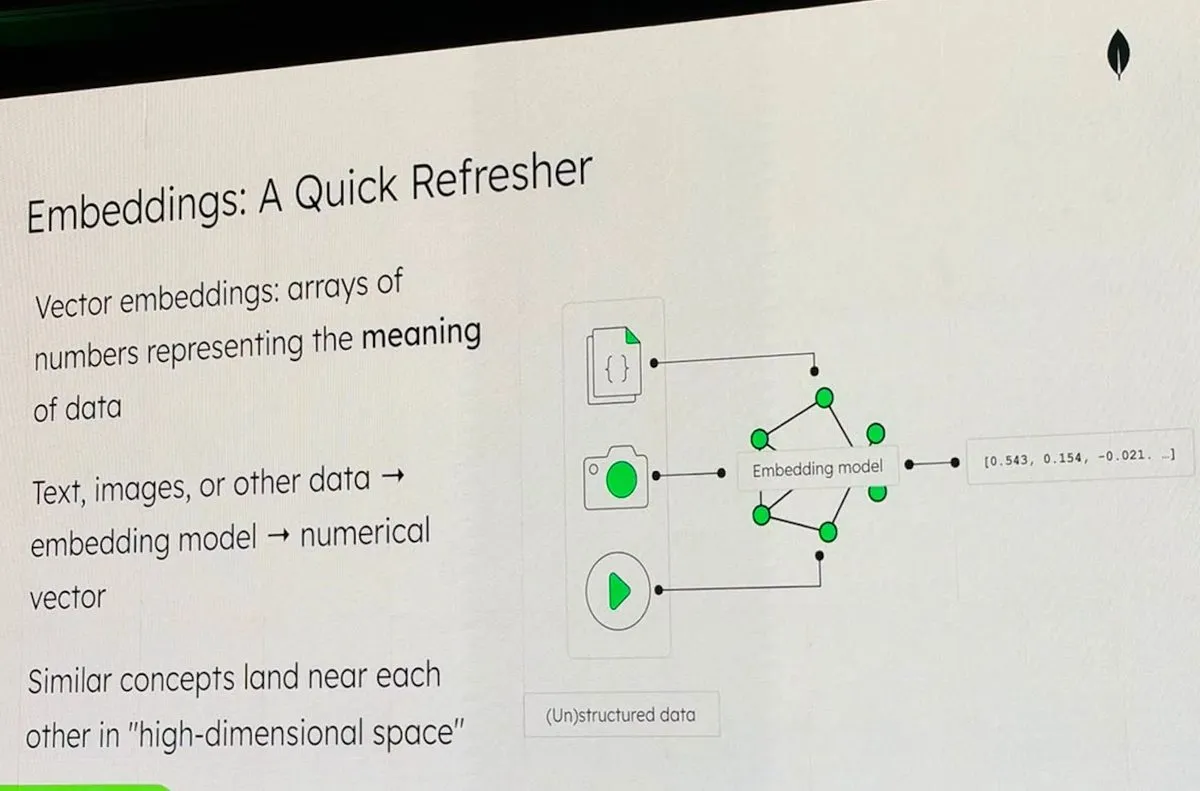
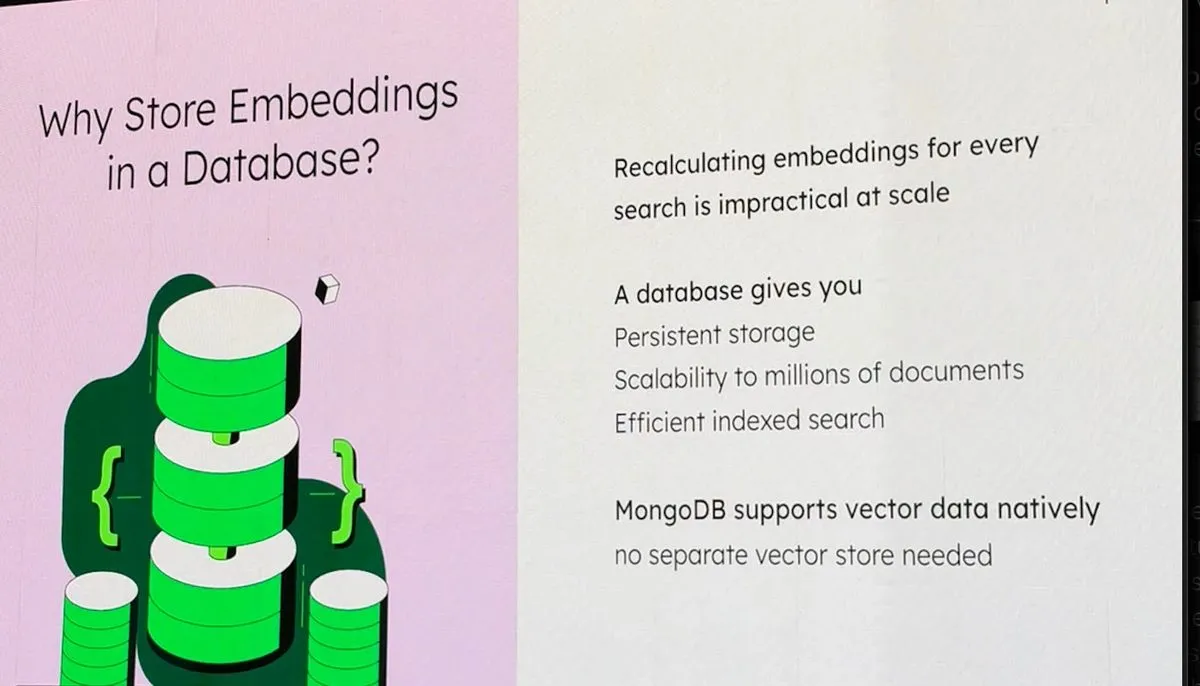
Embeddings and vector search: vectors that represent the meaning of the data, stored in MongoDB itself, with no separate vector database.
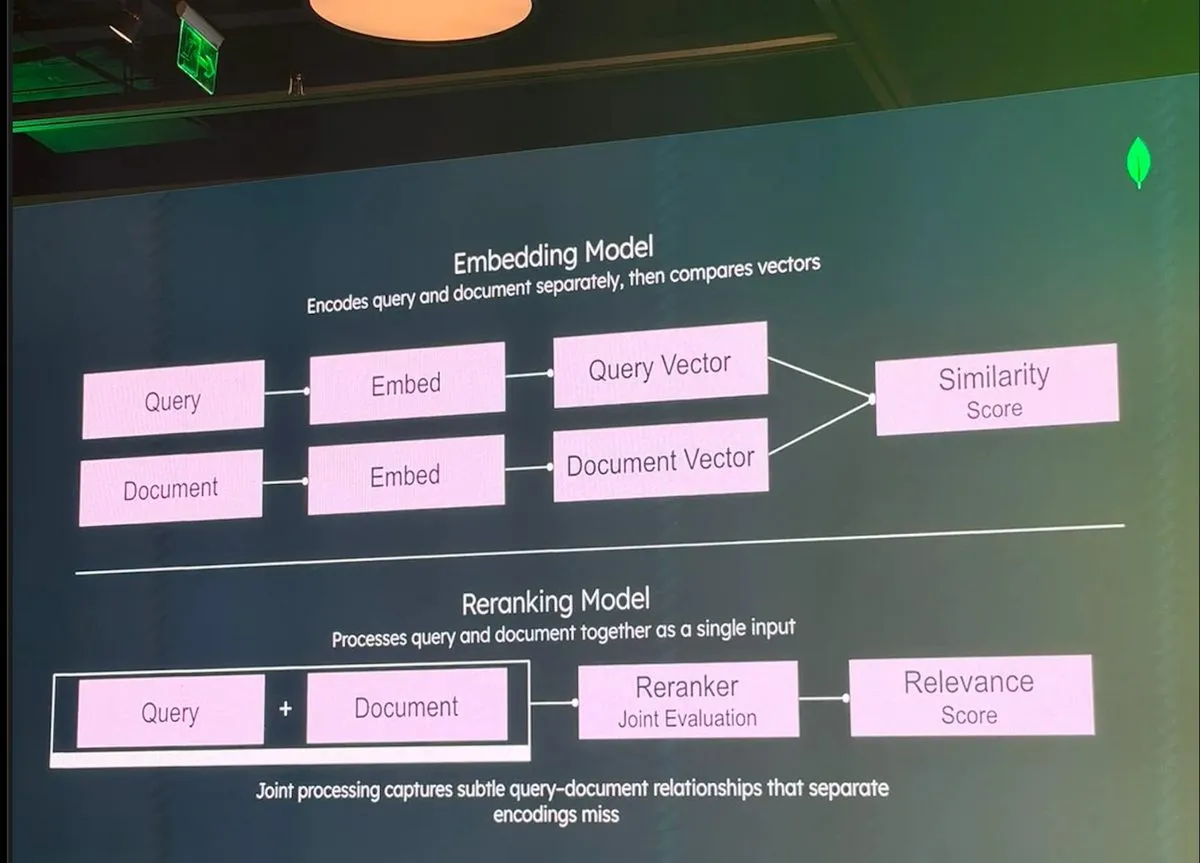
Reranking: the embedding model compares separate vectors; the reranker evaluates the query and the document together and refines the top of the list.
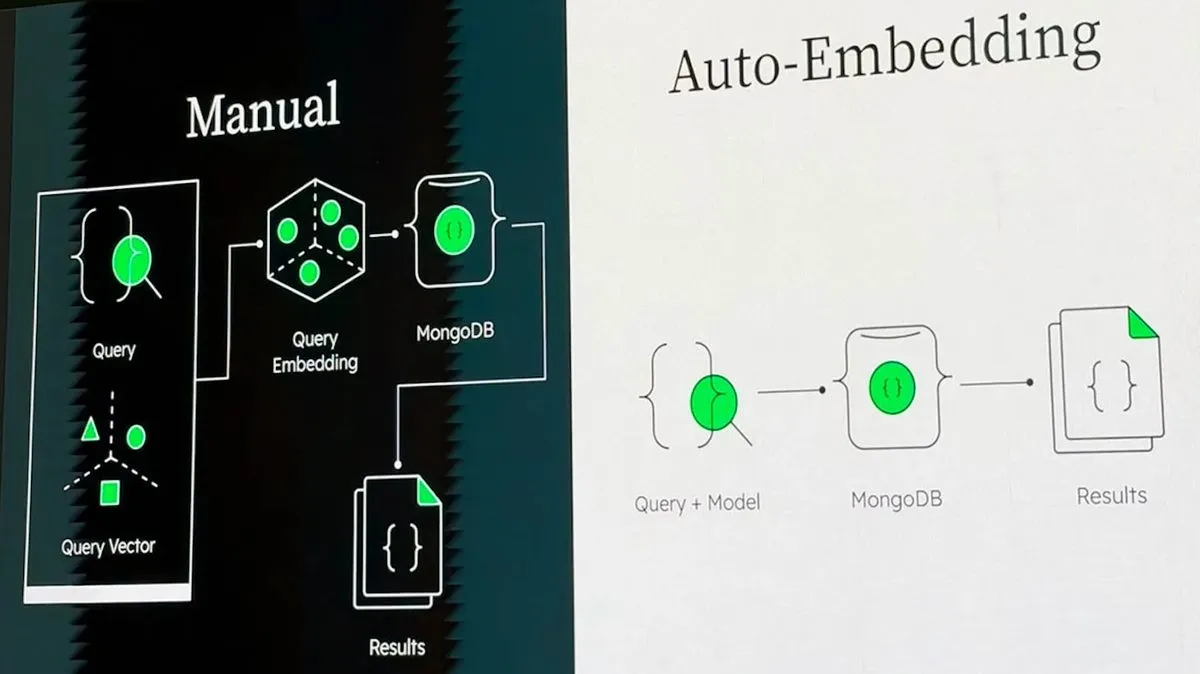
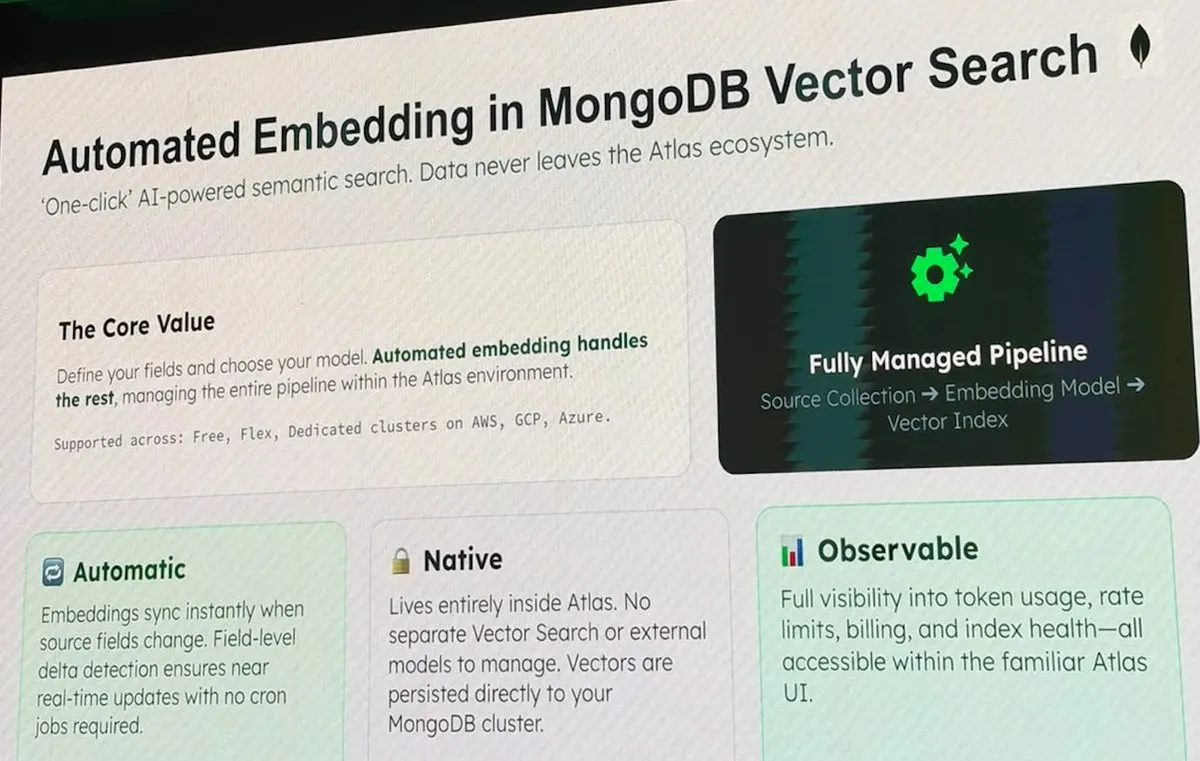
Auto-Embedding in Atlas: instead of generating and syncing embeddings in the application, you define the field and the model, and Atlas runs the pipeline.
The embeddings, reranking and Auto-Embedding slides come from the AI Build Lab, which I did after the event, at my own pace.
The labs in practice
The labs ran in Jupyter, in a ready-made browser sandbox with a local MongoDB cluster.
The notebooks were very detailed: each gap in the code came with the explanation of the concept and the solution to check against.
The agents lab built a travel agent in four parts:
- Tools on top of MongoDB: the
langchain-mongodbtoolkit (list collections, read the schema, check and run queries) and a custom tool that saves bookings. - MongoDB MCP Server: the same operations exposed as tools over MCP, for any agent that speaks the protocol.
- Orchestration with LangGraph: an agent node, a tools node and the conditional edge that decides between calling another tool and answering.
- Memory in MongoDB itself: checkpoints per
thread_idfor short-term memory and a store with vector search for long-term memory.
A best practice worth taking from the lab
The embeddings live in the same document as the application data.
Vector search, filters and aggregations come out of a single pipeline, with no separate vector database to keep in sync.
Skill badges
Each session was worth a MongoDB skill badge on Credly.
The path is simple: learn in the workshop, validate with a short 10-question exam, in English, and claim the badge.
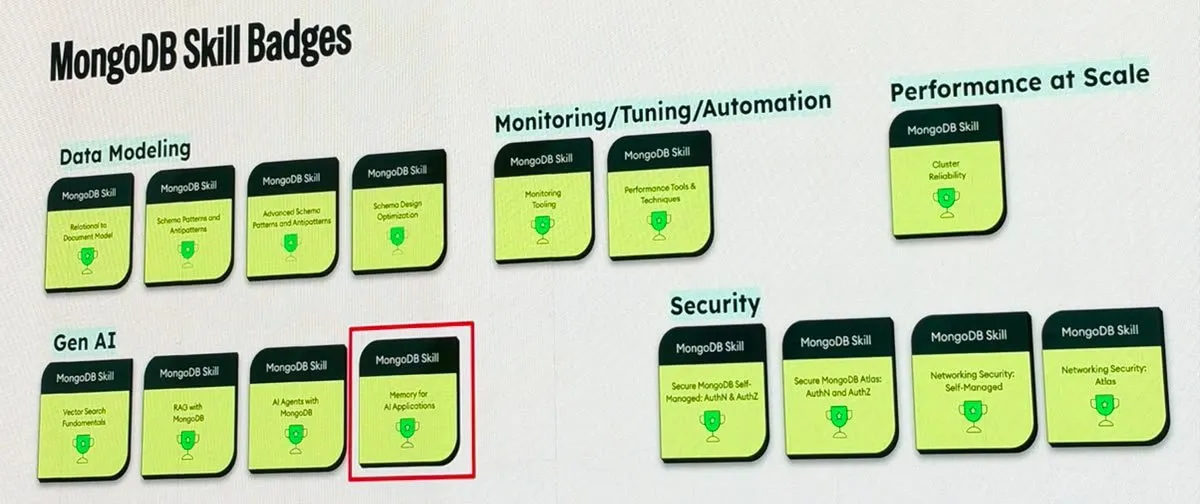
I earned all three:
- ✅ AI Agents with MongoDB, from the agents session;
- ✅ Memory for AI Applications, from the memory session;
- ✅ Voyage AI with MongoDB, from the AI Build Lab.
I had to leave before the AI Build Lab, so I did the lab and the exam the next day, at my own pace: 10 out of 10.
The next step: MongoDB in our AI environment
The question I brought back: what about when the data and the model have to stay in-house?
The next step is to bring MongoDB into our AI environment, for AI and automation demos and POCs.
The database will be provisioned and protected by Nutanix Database Service (NDB).
The first trials have already started:
- the lab notebooks running outside the sandbox, with local models;
voyage-4-nano, the open model in the Voyage 4 family, producing embeddings compatible withvoyage-4.
The details will go into the series on MongoDB with NKP, NAI and NDB, here on the blog.
Thanks
Thanks to the MongoDB Brazil team for the flawless organization and the content, and to Google Cloud for sponsoring it.
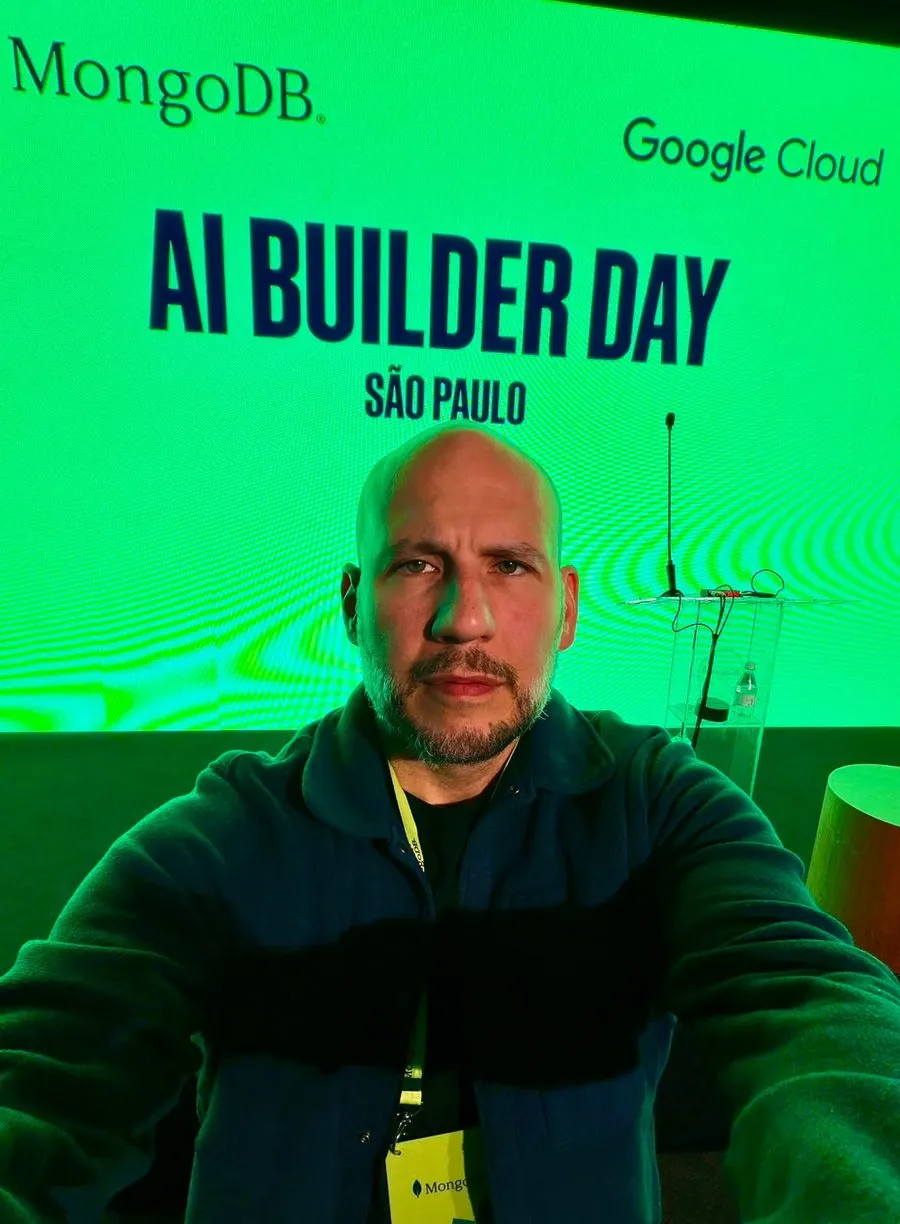
It was a day well spent, and it has already turned into next steps in the lab.
Comments
Comments use GitHub Discussions; you need a GitHub account.